
Viber 消息
SMSBAT API 支持多种类型的 Viber 消息,适用于从促销活动到交易通知的不同场景。
消息类型概览
| 类型 | 用途 | 富媒体 | 交互 |
|---|---|---|---|
viber_promo | 营销活动 | ✅ 图片、视频 | ✅ 按钮 |
viber_trans | 交易通知 | ❌ | |
viber_carousel | 产品展示 | ✅ 图片 | ✅ 多个按钮 |
viber_survey | 投票和反馈 | ❌ | ✅ 多个选项 |
viber_otp | 一次性密码 | ❌ | ❌ |
Viber 促销
支持富媒体的促销消息,适用于营销活动。
支持的内容
- 仅图片
- 仅文本
- 文本 + 按钮
- 图片 + 文本 + 按钮
- 视频 + 文本
- 视频 + 文本 + 按钮
- 仅视频
参数
| 参数 | 类型 | 必填 | 说明 |
|---|---|---|---|
img | string | 否 | 图片 URL |
video | string | 否 | 视频文件 URL |
thumbnail | string | 否 | 视频预览图 |
buttonText | string | 否 | 行动号召按钮标签 |
buttonAction | string | 否 | 点击按钮后跳转的 URL |
fileSize | integer | 否 | 视频文件大小,单位为字节 |
duration | integer | 否 | 视频时长,单位为秒 |
示例
文本 + 图片 + 按钮
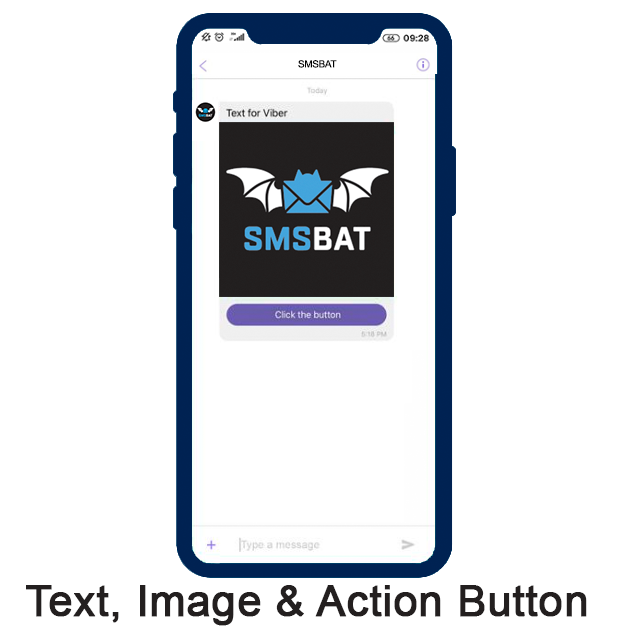
{
  "from": "YourBrand",
  "to": "+380XXXXXXXXX",
  "type": "viber_promo",
  "text": "Summer Sale! Up to 50% off on selected items.",
  "messageData": {
    "img": "https://example.com/summer-sale.jpg",
    "buttonText": "Shop Now",
    "buttonAction": "https://example.com/sale"
  }
}
视频 + 文本 + 按钮
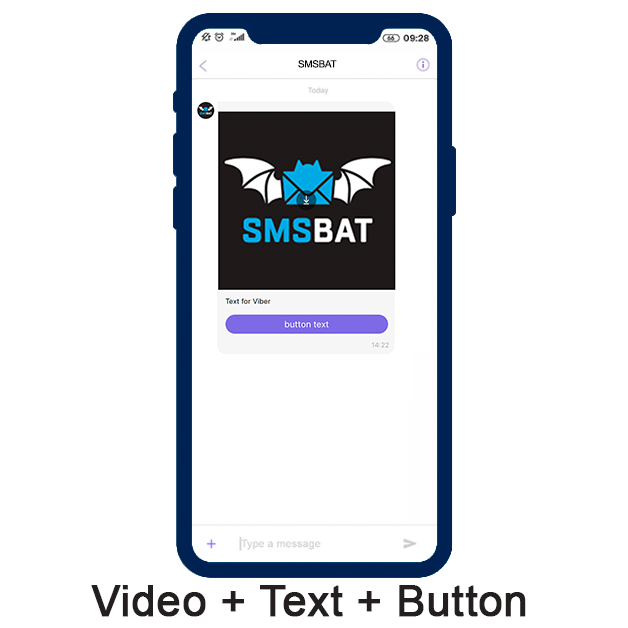
{
  "from": "YourBrand",
  "to": "+380XXXXXXXXX",
  "type": "viber_promo",
  "text": "Watch our new product demo!",
  "messageData": {
    "video": "https://example.com/demo.mp4",
    "thumbnail": "https://example.com/thumbnail.jpg",
    "fileSize": 5242880,
    "duration": 30,
    "buttonText": "Learn More",
    "buttonAction": "https://example.com/product"
  }
}
仅图片
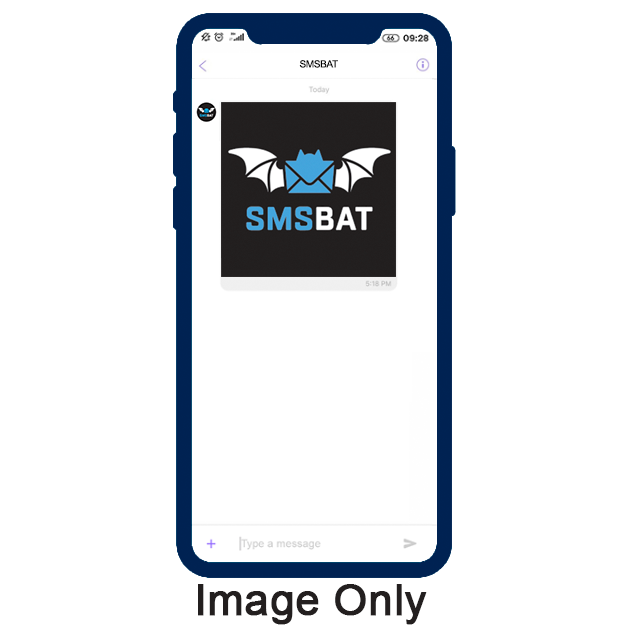
{
  "from": "YourBrand",
  "to": "+380XXXXXXXXX",
  "type": "viber_promo",
  "messageData": {
    "img": "https://example.com/banner.jpg"
  }
}
仅文本
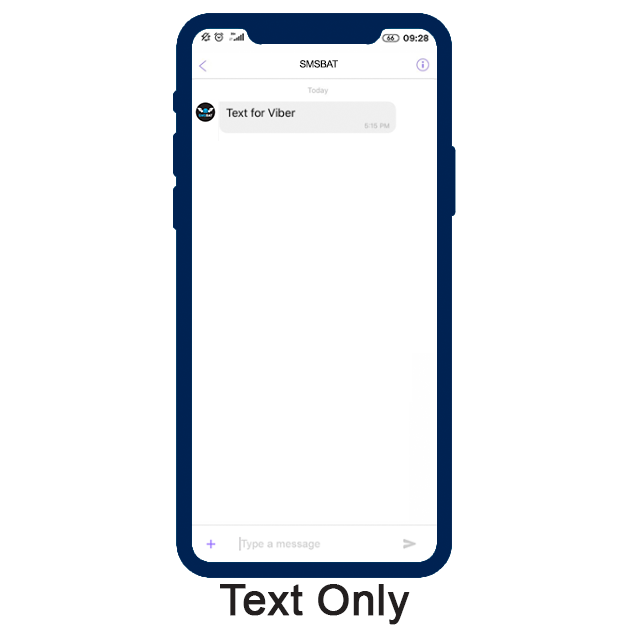
{
  "from": "YourBrand",
  "to": "+380XXXXXXXXX",
  "type": "viber_promo",
  "text": "Your promo text message"
}
仅视频
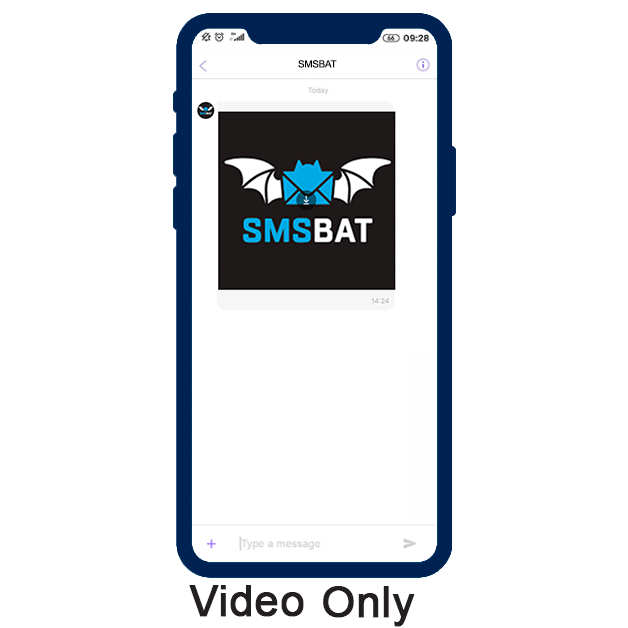
{
  "from": "YourBrand",
  "to": "+380XXXXXXXXX",
  "type": "viber_promo",
  "messageData": {
    "video": "https://example.com/demo.mp4",
    "thumbnail": "https://example.com/thumbnail.jpg",
    "fileSize": 5242880,
    "duration": 30
  }
}
视频 + 文本
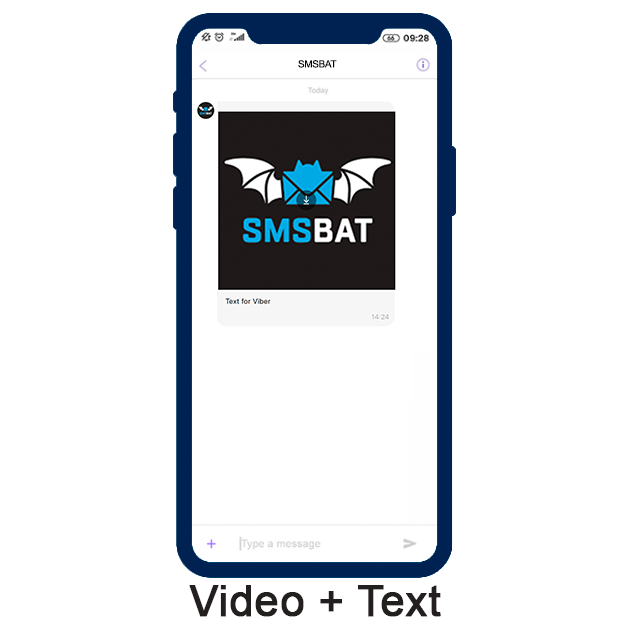
{
  "from": "YourBrand",
  "to": "+380XXXXXXXXX",
  "type": "viber_promo",
  "text": "Watch our new video!",
  "messageData": {
    "video": "https://example.com/demo.mp4",
    "thumbnail": "https://example.com/thumbnail.jpg",
    "fileSize": 5242880,
    "duration": 30
  }
}
Viber 交易消息
用于订单确认和收据等时效性信息的交易通知。
支持的内容
- 仅文本
- PDF 文件 + 文本
- 仅 PDF 文件
参数
| 参数 | 类型 | 必填 | 说明 |
|---|---|---|---|
fileUrl | string | 否 | PDF 文档 URL |
fileName | string | 否 | 附件的显示名称 |
fileType | string | 否 | 文件类型(使用“pdf”) |
示例
仅文本
{
  "from": "YourStore",
  "to": "+380XXXXXXXXX",
  "type": "viber_trans",
  "text": "Your order #12345 has been confirmed and will be delivered tomorrow.",
  "ttl": 86400
}
文本 + PDF
{
  "from": "YourStore",
  "to": "+380XXXXXXXXX",
  "type": "viber_trans",
  "text": "Thank you for your purchase! Please find your invoice attached.",
  "messageData": {
    "fileUrl": "https://example.com/invoice-12345.pdf",
    "fileName": "Invoice_12345.pdf",
    "fileType": "pdf"
  },
  "ttl": 86400
}
仅 PDF
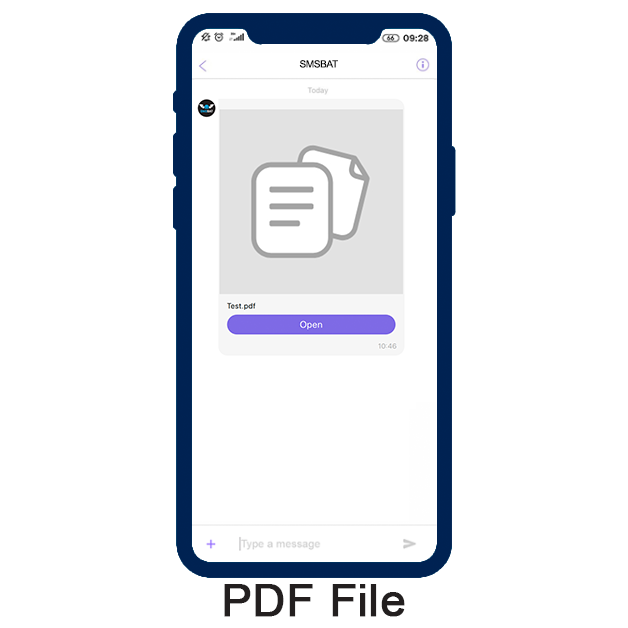
{
  "from": "YourStore",
  "to": "+380XXXXXXXXX",
  "type": "viber_trans",
  "messageData": {
    "fileUrl": "https://example.com/invoice-12345.pdf",
    "fileName": "Invoice_12345.pdf",
    "fileType": "pdf"
  },
  "ttl": 86400
}
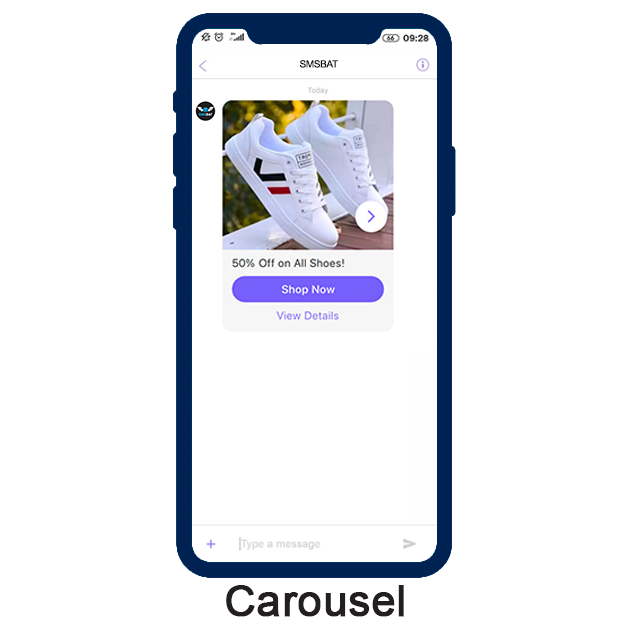
Viber 轮播
可浏览的多条目展示,适用于产品或内容。
结构
轮播条目数组,每个条目包含:
- 标题
- 图片
- 主按钮(主要操作)
- 次按钮(可选)
参数
| 参数 | 类型 | 必填 | 说明 |
|---|---|---|---|
carousel | object | 是 | messageData 内的轮播容器 |
carousel.items | array | 是 | 卡片:title、imageUrl、primaryButton(label、actionUrl) |
示例
{
  "from": "YourStore",
  "to": "+380XXXXXXXXX",
  "type": "viber_carousel",
  "text": "Check out our featured products",
  "messageData": {
    "carousel": {
      "items": [
        {
          "title": "Product A",
          "imageUrl": "https://example.com/product-a.jpg",
          "primaryButton": {
            "label": "Buy Now",
            "actionUrl": "https://example.com/product-a"
          }
        },
        {
          "title": "Product B",
          "imageUrl": "https://example.com/product-b.jpg",
          "primaryButton": {
            "label": "Buy Now",
            "actionUrl": "https://example.com/product-b"
          }
        }
      ]
    }
  }
}
每张卡片都有一个 title、一个 imageUrl 和一个带有 label(按钮文字)与 actionUrl(链接)的 primaryButton。卡片上的第二个按钮是可选的。主 text 与 messageData.carousel 一起发送。
Viber 调查
带有多个选项的交互式投票和反馈收集。
参数
| 参数 | 类型 | 必填 | 说明 |
|---|---|---|---|
survey | object | 是 | 调查容器 |
options | array | 是 | 包含 1-5 个答案选项的数组 |
list_message_ui_type | integer | 否 | 显示方式:1 — 单选按钮列表(默认),2 — 按钮列表 |
限制
- 最多支持 5 个回复选项
- 每个选项应简洁(建议:不超过 30 个字符)
示例
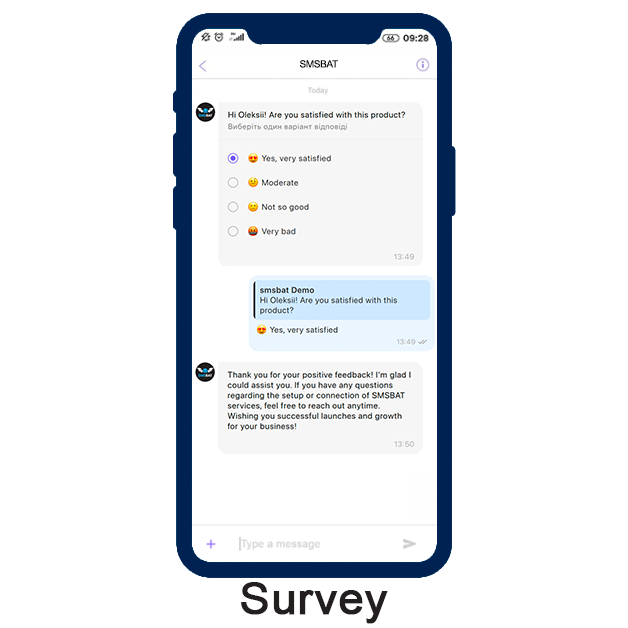
{
  "from": "YourBrand",
  "to": "+380XXXXXXXXX",
  "type": "viber_survey",
  "text": "How satisfied are you with our service?",
  "messageData": {
    "survey": {
      "options": [
        "Very Satisfied",
        "Satisfied",
        "Neutral",
        "Dissatisfied",
        "Very Dissatisfied"
      ]
    }
  }
}
list_message_ui_type: 1
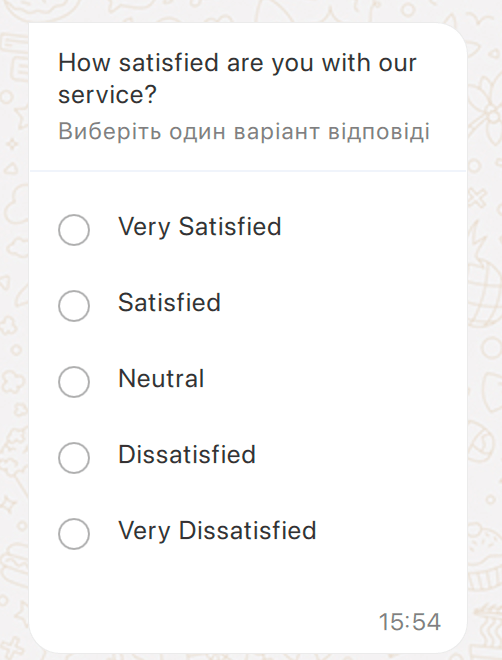
list_message_ui_type: 2
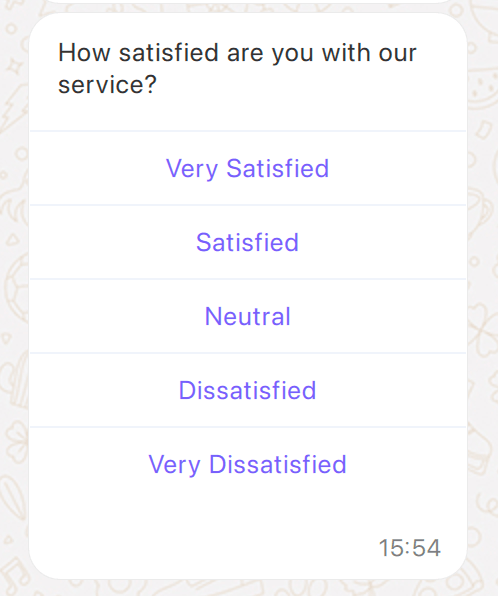
"messageData": {
  "survey": {
    "list_message_ui_type": 2,
    "options": ["Very Satisfied", "Satisfied", "Neutral", "Dissatisfied", "Very Dissatisfied"]
  }
}
Viber OTP
使用预定义模板发送一次性密码。
主要特性
- 9 个预定义模板
- 参数验证(TEXT、NUMBER 类型)
- 多语言支持(19 种语言)
- 变量名区分大小写
支持的语言
乌克兰语、英语、俄语、波兰语、罗马尼亚语、西班牙语、德语、法语、意大利语、葡萄牙语、荷兰语、土耳其语、阿拉伯语、希伯来语、印地语、中文、日语、韩语、越南语
参数
| 参数 | 类型 | 必填 | 说明 |
|---|---|---|---|
templateId | string (UUID) | 是 | 模板标识符 |
templateLang | string | 是 | ISO 语言代码 |
templateParams | object | 是 | 与模板匹配的变量 |
示例
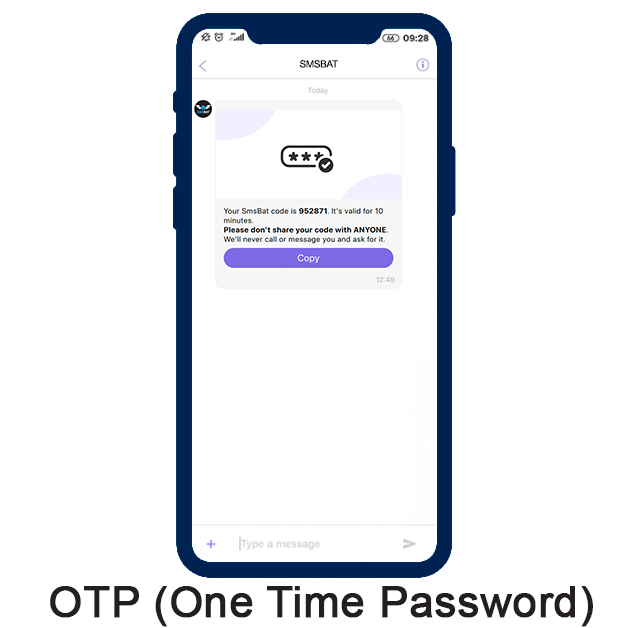
{
  "from": "YourApp",
  "to": "+380XXXXXXXXX",
  "type": "viber_otp",
  "messageData": {
    "templateId": "a1b2c3d4-e5f6-7890-abcd-ef1234567890",
    "templateLang": "en",
    "templateParams": {
      "PIN": "123456",
      "TIME": "10"
    }
  },
  "ttl": 600
}
模板示例:“您的验证码:123456。有效期 10 分钟。请勿向任何人透露此验证码。”
支持的模板与验证
Viber 提供预定义且受严格控制的模板。传入的变量参数必须符合正确的数据类型。
数据类型:
- NUMBER:仅限数字
[0-9]、+、-和.。不支持/等符号或空白字符。 - TEXT:任何语言的字母、符号(
@#$%^&*().,<>;:!\"'+=-()[]{}\n 等)。 - 常规映射:
<letters>序列不能紧邻<number>序列;二者之间需要用空白分隔。模板内通常禁止出现连续两个空白
以下是 9 个标准 ISO 模板。请根据您在特定国家的注册要求替换 ID。如需添加其他语言,请联系支持团队。
1. “仅验证码(任意 PIN)”
要求: 支持由数字和英文字母组成的 PIN,以及符号 - 或 .。
模板需要进行格式设置,才能在验证 PIN 旁边正确显示您的品牌。
2. “操作:请使用此验证码”
参数: {pin}(NUMBER 或 TEXT)
示例格式:“请使用此验证码 {pin} 进行验证。”
3. “品牌注册/访问”
参数: {business_platform_name}(TEXT)、{pin}(NUMBER 或 TEXT)
示例格式:“您在 {business_platform_name} 的验证码是 {pin}。”
4. “验证码有效期”
参数: {pin}(NUMBER/TEXT)、{code_validity_time}(NUMBER)
示例格式:“您的验证码是 {pin}。有效期为 {code_validity_time} 分钟。”
5. “品牌访问与验证码有效期”
参数: {business_platform_name}(TEXT)、{pin}(NUMBER/TEXT)、{code_validity_time}(NUMBER)
示例格式:“{business_platform_name} 验证码是 {pin},有效期 {code_validity_time} 分钟。”
(Note: There are up to 9 predefined structural blocks for Viber standard OTP rules based on combinations of the pin, business_platform_name, and code_validity_time usage).
通用要求
所有 Viber 消息类型都需要:
from:字母数字发送方 IDto:E.164 格式的手机号码type:消息类型标识符ttl:消息过期时间,单位为秒(建议填写)
回退为 SMS
所有 Viber 消息类型都支持通过 fallbacks 数组块使用 SMS 回退。如果 Viber 投递失败,消息会自动回退到其他已配置的渠道。
Viber 促销 -> SMS 回退
{
  "messages": [
    {
      "from": "ALPHANAME",
      "to": "380936670003",
      "type": "viber_promo",
      "text": "Your Viber promo message",
      "ttl": 300,
      "messageData": {
        "img": "https://cdn.example.com/image.png",
        "buttonText": "View Offer",
        "buttonAction": "https://example.com"
      },
      "fallbacks": [
        {
          "from": "ALPHANAME",
          "to": "380936670003",
          "type": "sms",
          "text": "Order #111 is waiting for you in our store",
          "ttl": 5600
        }
      ]
    }
  ]
}
Viber 调查 -> SMS 回退
{
  "messages": [
    {
      "from": "ALPHANAME",
      "to": "380936670003",
      "type": "viber_survey",
      "text": "Please share your feedback",
      "ttl": 30,
      "messageData": {
        "survey": {
          "options": [
            "Very Good",
            "Good",
            "Bad"
          ]
        }
      },
      "fallbacks": [
        {
          "from": "ALPHANAME",
          "to": "380936670003",
          "type": "sms",
          "text": "SMS fallback for the survey"
        }
      ]
    }
  ]
}
Viber 交易 -> SMS 回退
{
  "messages": [
    {
      "from": "ALPHANAME",
      "to": "380936670003",
      "type": "viber_trans",
      "text": "Your account details",
      "ttl": 300,
      "messageData": {},
      "fallbacks": [
        {
          "from": "ALPHANAME",
          "to": "380936670003",
          "type": "sms",
          "text": "SMS fallback for trans message text",
          "ttl": 5600
        }
      ]
    }
  ]
}
最佳实践
图片
- 使用 JPG 或 PNG 格式
- 推荐尺寸:800x600 像素
- 文件大小保持在 1MB 以内
- 使用 HTTPS URL
视频
- 使用 MP4 格式
- 文件大小保持在 10MB 以内
- 包含缩略图
- 指定 duration 和 fileSize
按钮
- 按钮文字保持简短(2-3 个词)
- 使用清晰的行动号召用语
- 始终使用 HTTPS URL
- 发送前测试 URL
TTL(Time-to-Live)
- 促销消息:24-72 小时
- 交易消息:24 小时
- OTP 消息:5-10 分钟
- 调查:7-30 天