
Viber メッセージ
SMSBAT API は、プロモーションキャンペーンから取引通知まで、さまざまなユースケースに対応する複数の種類の Viber メッセージをサポートしています。
メッセージタイプの概要
| タイプ | 用途 | リッチメディア | インタラクティブ |
|---|---|---|---|
viber_promo | マーケティングキャンペーン | ✅ 画像、動画 | ✅ ボタン |
viber_trans | 取引通知 | ❌ | |
viber_carousel | 商品の紹介 | ✅ 画像 | ✅ 複数のボタン |
viber_survey | 投票とフィードバック | ❌ | ✅ 複数の選択肢 |
viber_otp | ワンタイムパスワード | ❌ | ❌ |
Viber プロモ
マーケティングキャンペーン向けの、リッチメディアに対応したプロモーションメッセージ。
サポートされているコンテンツ
- 画像のみ
- テキストのみ
- テキスト + ボタン
- 画像 + テキスト + ボタン
- 動画 + テキスト
- 動画 + テキスト + ボタン
- 動画のみ
パラメータ
| パラメータ | 型 | 必須 | 説明 |
|---|---|---|---|
img | string | いいえ | 画像 URL |
video | string | いいえ | 動画ファイルの URL |
thumbnail | string | いいえ | 動画のプレビュー画像 |
buttonText | string | いいえ | 行動喚起ボタンのラベル |
buttonAction | string | いいえ | ボタンをクリックしたときの遷移先 URL |
fileSize | integer | いいえ | 動画ファイルのサイズ (バイト) |
duration | integer | いいえ | 動画の長さ (秒) |
例
テキスト + 画像 + ボタン
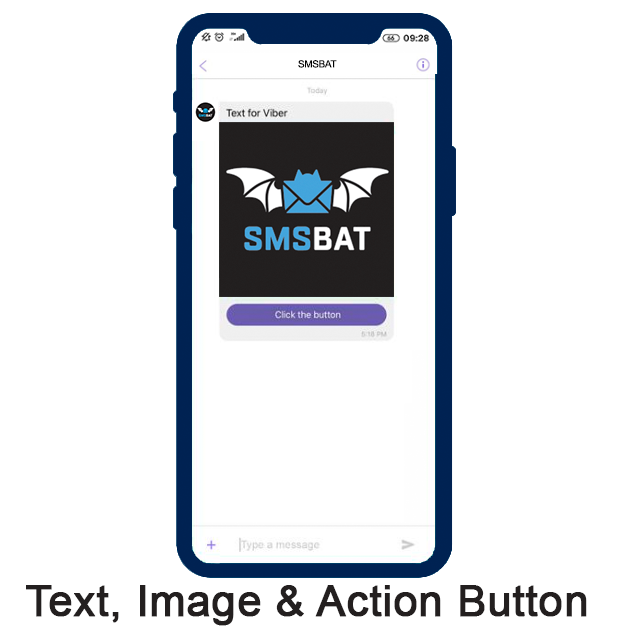
{
  "from": "YourBrand",
  "to": "+380XXXXXXXXX",
  "type": "viber_promo",
  "text": "Summer Sale! Up to 50% off on selected items.",
  "messageData": {
    "img": "https://example.com/summer-sale.jpg",
    "buttonText": "Shop Now",
    "buttonAction": "https://example.com/sale"
  }
}
動画 + テキスト + ボタン
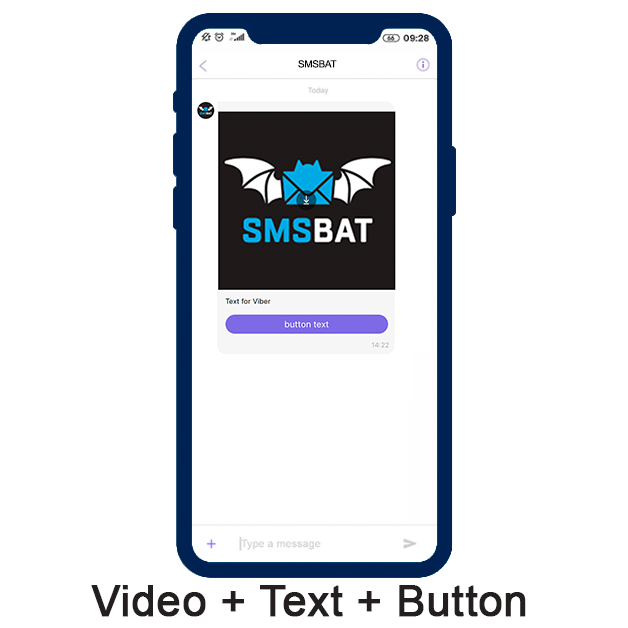
{
  "from": "YourBrand",
  "to": "+380XXXXXXXXX",
  "type": "viber_promo",
  "text": "Watch our new product demo!",
  "messageData": {
    "video": "https://example.com/demo.mp4",
    "thumbnail": "https://example.com/thumbnail.jpg",
    "fileSize": 5242880,
    "duration": 30,
    "buttonText": "Learn More",
    "buttonAction": "https://example.com/product"
  }
}
画像のみ
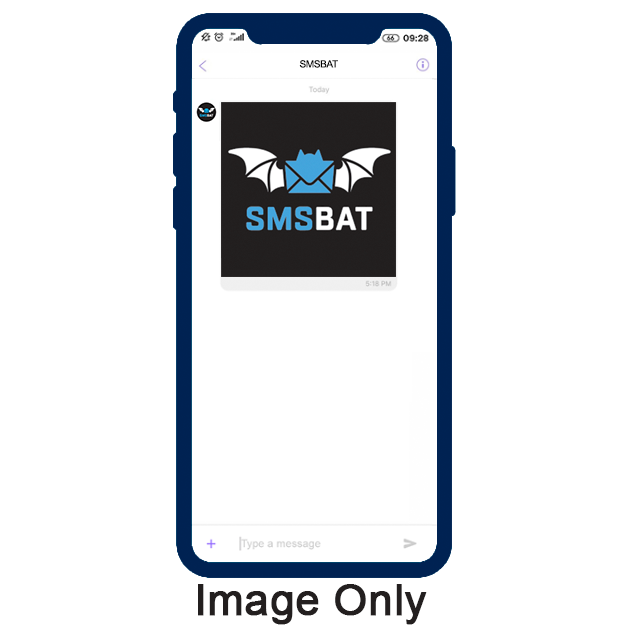
{
  "from": "YourBrand",
  "to": "+380XXXXXXXXX",
  "type": "viber_promo",
  "messageData": {
    "img": "https://example.com/banner.jpg"
  }
}
テキストのみ
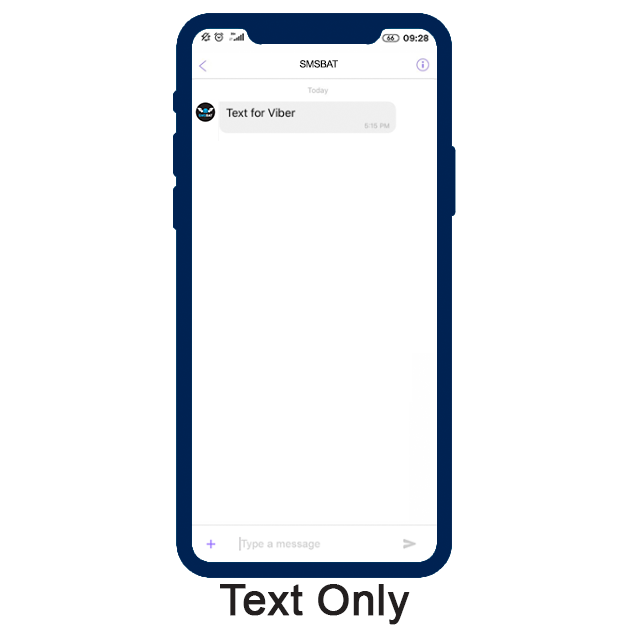
{
  "from": "YourBrand",
  "to": "+380XXXXXXXXX",
  "type": "viber_promo",
  "text": "Your promo text message"
}
動画のみ
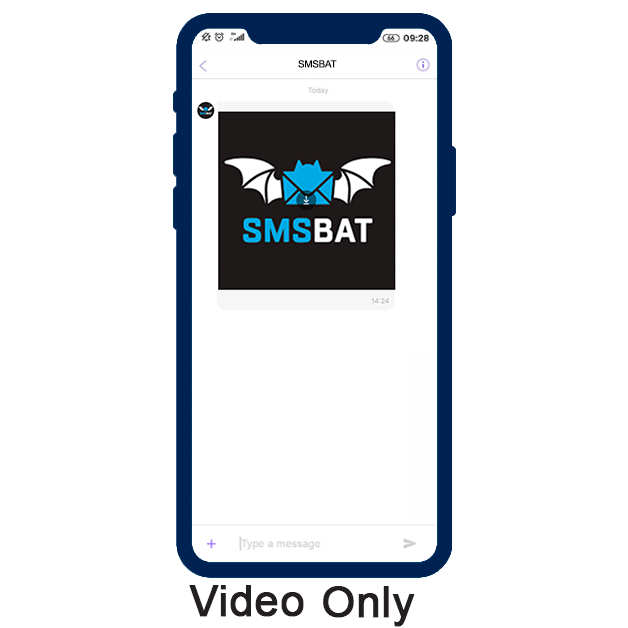
{
  "from": "YourBrand",
  "to": "+380XXXXXXXXX",
  "type": "viber_promo",
  "messageData": {
    "video": "https://example.com/demo.mp4",
    "thumbnail": "https://example.com/thumbnail.jpg",
    "fileSize": 5242880,
    "duration": 30
  }
}
動画 + テキスト
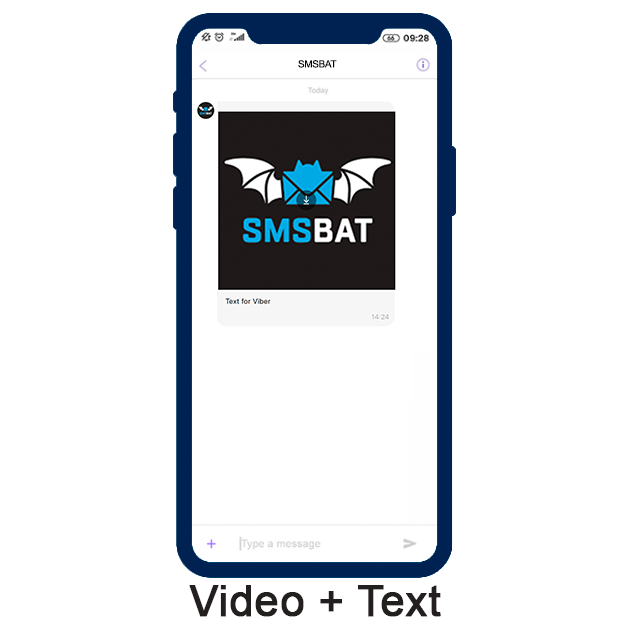
{
  "from": "YourBrand",
  "to": "+380XXXXXXXXX",
  "type": "viber_promo",
  "text": "Watch our new video!",
  "messageData": {
    "video": "https://example.com/demo.mp4",
    "thumbnail": "https://example.com/thumbnail.jpg",
    "fileSize": 5242880,
    "duration": 30
  }
}
Viber トランザクション
注文確認や領収書など、時間的に重要な情報のための取引通知。
サポートされているコンテンツ
- テキストのみ
- PDF ファイル + テキスト
- PDF ファイルのみ
パラメータ
| パラメータ | 型 | 必須 | 説明 |
|---|---|---|---|
fileUrl | string | いいえ | PDF ドキュメントの URL |
fileName | string | いいえ | 添付ファイルの表示名 |
fileType | string | いいえ | ファイルタイプ (「pdf」を使用) |
例
テキストのみ
{
  "from": "YourStore",
  "to": "+380XXXXXXXXX",
  "type": "viber_trans",
  "text": "Your order #12345 has been confirmed and will be delivered tomorrow.",
  "ttl": 86400
}
テキスト + PDF
{
  "from": "YourStore",
  "to": "+380XXXXXXXXX",
  "type": "viber_trans",
  "text": "Thank you for your purchase! Please find your invoice attached.",
  "messageData": {
    "fileUrl": "https://example.com/invoice-12345.pdf",
    "fileName": "Invoice_12345.pdf",
    "fileType": "pdf"
  },
  "ttl": 86400
}
PDF のみ
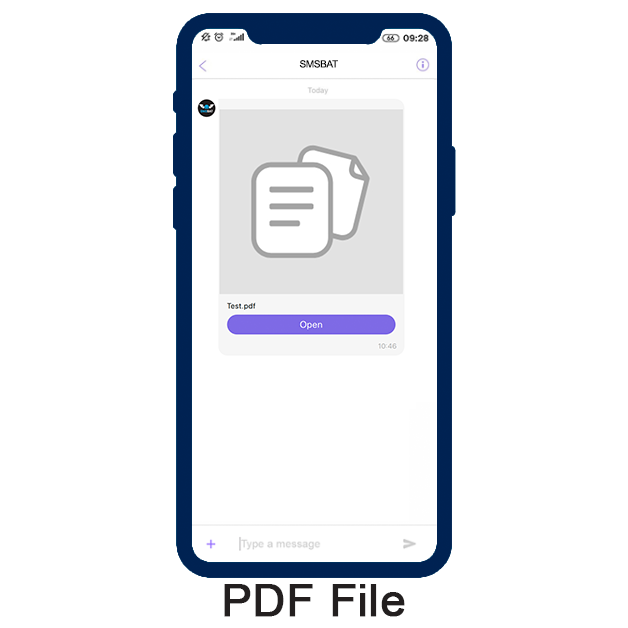
{
  "from": "YourStore",
  "to": "+380XXXXXXXXX",
  "type": "viber_trans",
  "messageData": {
    "fileUrl": "https://example.com/invoice-12345.pdf",
    "fileName": "Invoice_12345.pdf",
    "fileType": "pdf"
  },
  "ttl": 86400
}
Viber カルーセル
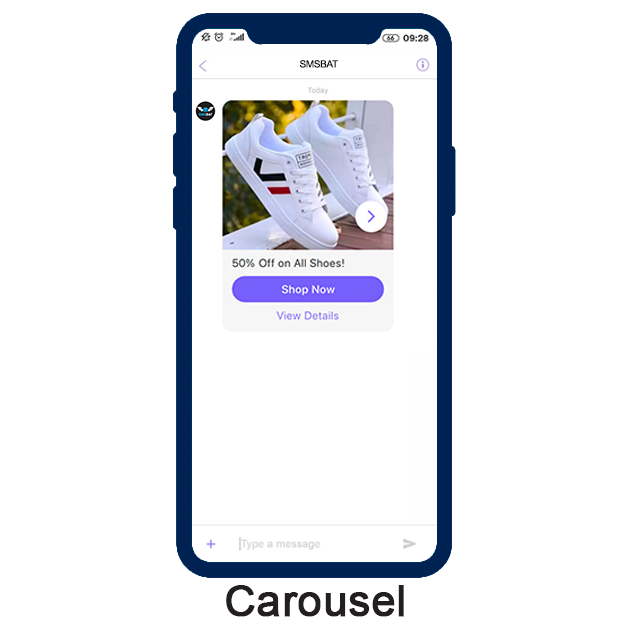
商品やコンテンツを複数アイテムで閲覧できる紹介形式。
構造
各項目が次を含む、カルーセルアイテムの配列:
- タイトル
- 画像
- メインボタン (主要アクション)
- サブボタン (任意)
パラメータ
| パラメータ | 型 | 必須 | 説明 |
|---|---|---|---|
carousel | object | はい | messageData 内のカルーセルコンテナ |
carousel.items | array | はい | カード: title、imageUrl、primaryButton (label、actionUrl) |
例
{
  "from": "YourStore",
  "to": "+380XXXXXXXXX",
  "type": "viber_carousel",
  "text": "Check out our featured products",
  "messageData": {
    "carousel": {
      "items": [
        {
          "title": "Product A",
          "imageUrl": "https://example.com/product-a.jpg",
          "primaryButton": {
            "label": "Buy Now",
            "actionUrl": "https://example.com/product-a"
          }
        },
        {
          "title": "Product B",
          "imageUrl": "https://example.com/product-b.jpg",
          "primaryButton": {
            "label": "Buy Now",
            "actionUrl": "https://example.com/product-b"
          }
        }
      ]
    }
  }
}
各カードには、title、imageUrl、そして label (ボタンのテキスト) と actionUrl (リンク) を持つ primaryButton があります。カードの 2 つ目のボタンは任意です。メインの text は messageData.carousel と一緒に送信されます。
Viber アンケート
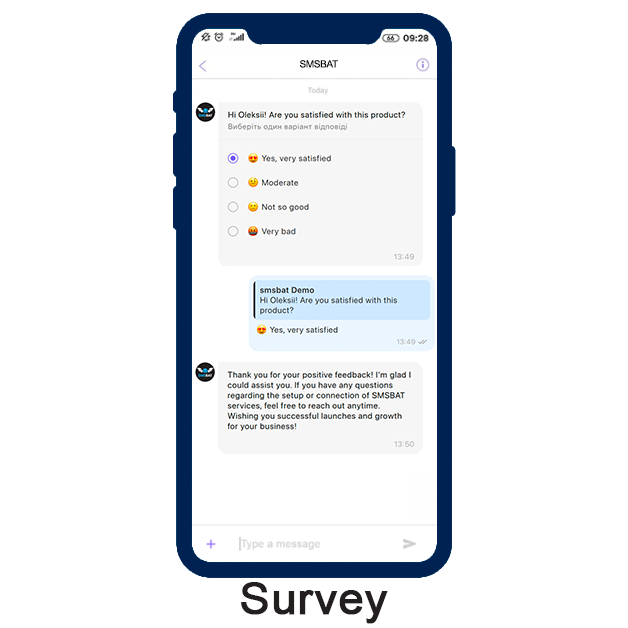
複数の選択肢による、インタラクティブな投票とフィードバック収集。
パラメータ
| パラメータ | 型 | 必須 | 説明 |
|---|---|---|---|
survey | object | はい | アンケートコンテナ |
options | array | はい | 1~5 個の回答選択肢の配列 |
list_message_ui_type | integer | いいえ | 表示形式: 1 — ラジオボタン付きリスト(既定)、2 — ボタンのリスト |
制約
- 回答の選択肢は最大 5 個までサポートされます
- 各選択肢は簡潔にしてください (推奨: 30 文字未満)
例
{
  "from": "YourBrand",
  "to": "+380XXXXXXXXX",
  "type": "viber_survey",
  "text": "How satisfied are you with our service?",
  "messageData": {
    "survey": {
      "options": [
        "Very Satisfied",
        "Satisfied",
        "Neutral",
        "Dissatisfied",
        "Very Dissatisfied"
      ]
    }
  }
}
list_message_ui_type: 1
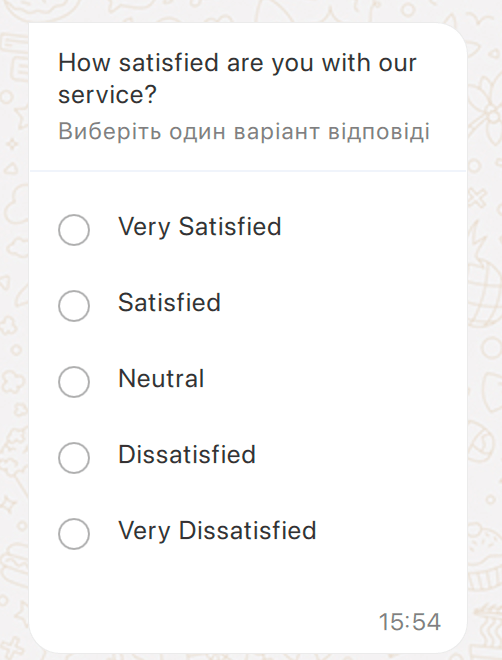
list_message_ui_type: 2
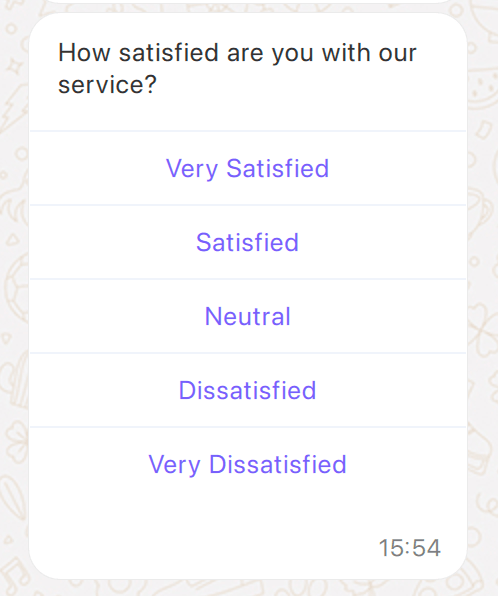
"messageData": {
  "survey": {
    "list_message_ui_type": 2,
    "options": ["Very Satisfied", "Satisfied", "Neutral", "Dissatisfied", "Very Dissatisfied"]
  }
}
Viber OTP
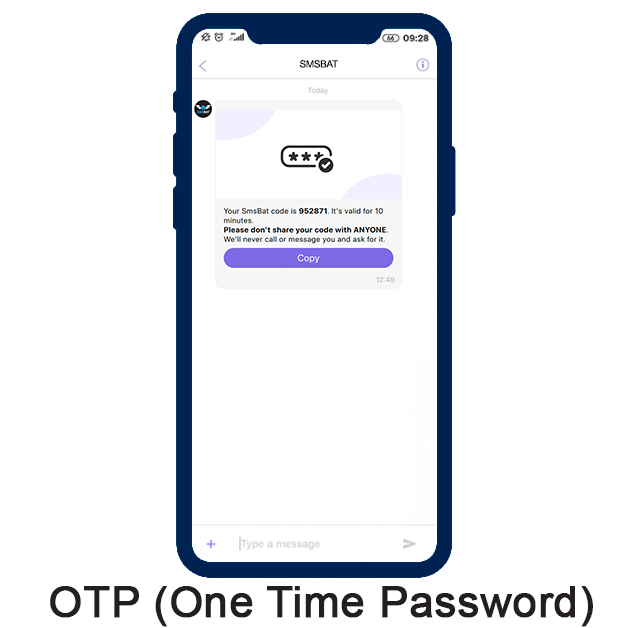
定義済みテンプレートによるワンタイムパスワードの配信。
主な機能
- 9 種類の定義済みテンプレート
- パラメーターの検証 (TEXT、NUMBER タイプ)
- 多言語サポート (19 言語)
- 大文字と小文字を区別する変数名
サポートされている言語
ウクライナ語、英語、ロシア語、ポーランド語、ルーマニア語、スペイン語、ドイツ語、フランス語、イタリア語、ポルトガル語、オランダ語、トルコ語、アラビア語、ヘブライ語、ヒンディー語、中国語、日本語、韓国語、ベトナム語
パラメータ
| パラメータ | 型 | 必須 | 説明 |
|---|---|---|---|
templateId | string (UUID) | はい | テンプレート識別子 |
templateLang | string | はい | ISO 言語コード |
templateParams | object | はい | テンプレートに対応する変数 |
例
{
  "from": "YourApp",
  "to": "+380XXXXXXXXX",
  "type": "viber_otp",
  "messageData": {
    "templateId": "a1b2c3d4-e5f6-7890-abcd-ef1234567890",
    "templateLang": "en",
    "templateParams": {
      "PIN": "123456",
      "TIME": "10"
    }
  },
  "ttl": 600
}
テンプレートの例: 「認証コード: 123456。10 分間有効です。このコードは絶対に他人に教えないでください。」
サポートされているテンプレートと検証
Viber は、事前に定義され、厳密に管理されたテンプレートを提供しています。渡す変数パラメーターは、正しいデータ型に対応している必要があります。
データ型:
- NUMBER: 数字
[0-9]、+、-、.のみ。/などの記号や空白はサポートされません。 - TEXT: あらゆる言語の文字、記号 (
@#$%^&*().,<>;:!\"'+=-()[]{}\n など)。 - 通常のマッピング:
<letters>のシーケンスは<number>のシーケンスに隣接して配置できません。空白で区切る必要があります。テンプレート内の連続した空白
以下は 9 つの標準 ISO テンプレートです。各国での登録要件に応じて ID を置き換えてください。言語を追加する場合は、サポートにお問い合わせください。
1. 「コードのみ (任意の PIN)」
要件: 数字と英字の PIN、記号 - または . をサポートします。
このテンプレートでは、認証 PIN とともにブランドを適切に表示するためのフォーマットが必要です。
2. 「アクション: このコードをご利用ください」
パラメーター: {pin} (NUMBER または TEXT)
形式の例: 「認証にはこのコード {pin} をご利用ください。」
3. 「ブランドの登録/アクセス」
パラメーター: {business_platform_name} (TEXT)、{pin} (NUMBER または TEXT)
形式の例: 「{business_platform_name} のコードは {pin} です。」
4. 「コードの有効時間」
パラメーター: {pin} (NUMBER/TEXT)、{code_validity_time} (NUMBER)
形式の例: 「認証コードは {pin} です。{code_validity_time} 分間有効です。」
5. 「ブランドアクセスとコードの検証」
パラメーター: {business_platform_name} (TEXT)、{pin} (NUMBER/TEXT)、{code_validity_time} (NUMBER)
形式の例: 「{business_platform_name} の認証コードは {pin} です。{code_validity_time} 分間有効です。」
(Note: There are up to 9 predefined structural blocks for Viber standard OTP rules based on combinations of the pin, business_platform_name, and code_validity_time usage).
一般要件
すべての Viber メッセージタイプで必要なもの:
from: 英数字の送信者 IDto: E.164 形式の電話番号type: メッセージタイプの識別子ttl: メッセージの有効期限 (秒、推奨)
SMS へのフォールバック
すべての Viber メッセージタイプは、fallbacks 配列ブロックを使用した SMS フォールバックをサポートしています。Viber の配信に失敗した場合、メッセージは設定された代替チャネルに自動的にフォールバックします。
Viber プロモ -> SMS フォールバック
{
  "messages": [
    {
      "from": "ALPHANAME",
      "to": "380936670003",
      "type": "viber_promo",
      "text": "Your Viber promo message",
      "ttl": 300,
      "messageData": {
        "img": "https://cdn.example.com/image.png",
        "buttonText": "View Offer",
        "buttonAction": "https://example.com"
      },
      "fallbacks": [
        {
          "from": "ALPHANAME",
          "to": "380936670003",
          "type": "sms",
          "text": "Order #111 is waiting for you in our store",
          "ttl": 5600
        }
      ]
    }
  ]
}
Viber アンケート -> SMS フォールバック
{
  "messages": [
    {
      "from": "ALPHANAME",
      "to": "380936670003",
      "type": "viber_survey",
      "text": "Please share your feedback",
      "ttl": 30,
      "messageData": {
        "survey": {
          "options": [
            "Very Good",
            "Good",
            "Bad"
          ]
        }
      },
      "fallbacks": [
        {
          "from": "ALPHANAME",
          "to": "380936670003",
          "type": "sms",
          "text": "SMS fallback for the survey"
        }
      ]
    }
  ]
}
Viber トランザクション -> SMS フォールバック
{
  "messages": [
    {
      "from": "ALPHANAME",
      "to": "380936670003",
      "type": "viber_trans",
      "text": "Your account details",
      "ttl": 300,
      "messageData": {},
      "fallbacks": [
        {
          "from": "ALPHANAME",
          "to": "380936670003",
          "type": "sms",
          "text": "SMS fallback for trans message text",
          "ttl": 5600
        }
      ]
    }
  ]
}
ベストプラクティス
画像
- JPG または PNG 形式を使用する
- 推奨サイズ: 800x600 ピクセル
- ファイルサイズは 1MB 未満にする
- HTTPS の URL を使用する
動画
- MP4 形式を使用する
- ファイルサイズは 10MB 未満にする
- サムネイル画像を含める
- duration と fileSize を指定する
ボタン
- ボタンのテキストは短くする (2~3 語)
- 明確な行動喚起フレーズを使用する
- 常に HTTPS の URL を使用する
- 送信前に URL をテストする
TTL (Time-to-Live)
- プロモーションメッセージ: 24~72 時間
- トランザクションメッセージ: 24 時間
- OTP メッセージ: 5~10 分
- アンケート: 7~30 日