
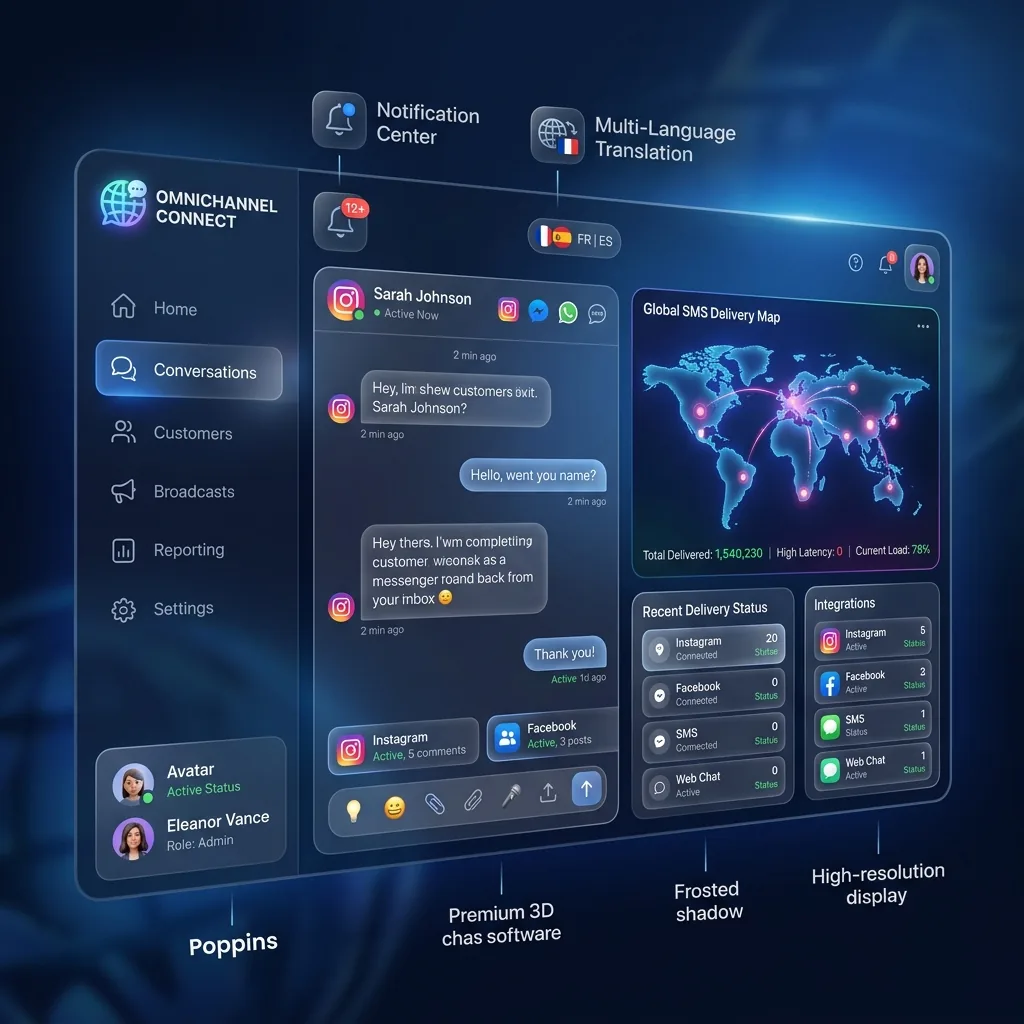
Since our last update in August, the SMSBAT Omni dashboard has received a lot of changes. The biggest ones are about money and paperwork: you can now see your balance and expenses for each organization, top it up online and sign the contract in a couple of minutes. Here is what is new.
1. Organization balance and online top-up
Every organization now has its own balance in euros, right on the organization page.
- Balance card on the Profile tab and the new Balance tab: the current balance, the credit limit, a debt if there is one, and the next monthly charge with the resources it covers.
- Top up online. Press Top up, choose an amount and pay with a card through Stripe. Before paying you see the fee and the exact amount that will reach the balance; VAT is calculated on the payment page.
- Reminders. If the balance does not cover the next charge, the dashboard shows how much is missing and by what date to top up.
- Every transaction and every message. Balance transactions list top-ups, subscriptions, MMF, credits and daily message charges. Message expenses show quantity, unit price and amount by channel, message type and country for any period.
- Rates tab: the message rates and monthly fees of the organization, with the accounts, sender names or bots each rate applies to.
- VAT payer status in the profile; all amounts in the dashboard exclude VAT.
- Organization switcher at the bottom of the menu shows your organizations with their balances.
👉 How it works: Organizations → Balance tab
2. Contract online, signed with a code
Verification of a new organization no longer needs paper or scans, and it is now confirmed with a one-time code.
- Fill in the details, choose the country and press Sign: the dashboard generates the contract as a PDF.
- Confirm the signature with the 6-digit code sent to the organization’s e-mail.
- Choose the contracting company. Organizations from Ukraine choose SMSBAT LLC (Ukrainian law) or NOETIKOS LTD (English law); organizations from other countries sign with NOETIKOS LTD.
- The signed contract can be downloaded as a PDF from the organization profile at any time.
- The organization name, e-mail and address can now be changed in the dashboard with the Edit button.
👉 Step by step: Verify your organization
3. WhatsApp: keep the WhatsApp Business app and get chats in Omni
Already talking to customers in the WhatsApp Business app on your phone? Connect the same number to SMSBAT Omni with Connect a WhatsApp Business App number. The number keeps working in the app, and chats also arrive in chat.smsbat.com for your operators. Meta calls this Coexistence.
WhatsApp is also available as a channel in the SMSBAT API, including as a fallback step.
4. Instagram: bots, AI and hand-off to Bitrix24
- Instagram bots in Omni: ice breakers (the questions a customer sees before writing), chat triggers and an action strategy with a template library — text, buttons, quick replies, cards and products. See Instagram bots.
- Comments and mentions. Operators reply to comments on Facebook and Instagram posts and to @mentions right in the chats.
- Hand-off to Bitrix24. Instagram chats can be answered in a Bitrix24 Open Channel. When a chatbot hands a conversation to a manager, Bitrix24 receives the bot’s note with the customer, topic and summary, all files from the chat and the phone number. See Bitrix24 integration.
- AI consultant. Together with MyCode.Bot you can build an Instagram bot that answers from your own knowledge base with AI and passes difficult questions to an SMSBAT operator or a Bitrix24 manager.
5. Broadcasts: video, scheduling and a delivery funnel
- Video in broadcasts for Telegram, Viber bots and Viber Business: upload a file or give a link, add a cover.
- Scheduled sending: pick the time, move it if plans change, set the message lifetime (TTL).
- Funnel statistics: Recipients → Delivered → Seen, in numbers or percent.
- Carousel in segment broadcasts, export of recipients to CSV and export of Telegram poll results.
6. Viber Business: Quick Replies and new template rules
- Quick Replies are set up in the dashboard: display style, formatting, emoji and a preview of how the message will look.
- Transactional templates got categories, a template limit per account, variables you can drag into the text and up to 1,000 characters. Links to websites are not allowed in transactional templates, and regex templates are blocked since 1 October 2026 under Viber’s rules.
- Chat sessions of Viber Business Messages are free since 1 July 2026 — read more.
Also improved
- Sign-up and sign-in with Google, and a guided creation of your first organization.
- Faster chat list for operators, reactions and delivery statuses in chats, Telegram locations shown as Google Maps links.
- Tokens of Prom, n8n and BPortal integrations are hidden in the dashboard, and deleting a marketplace connection asks for confirmation.
- The SMSBAT Chat mobile app is translated into 38 languages and remembers your language and view settings.
Questions about the updates? Write to support@smsbat.com or your SMSBAT manager.