Viber messaging and SMS notifications for banks and financial services
In finance, messages carry codes, money and trust. SMS for banks remains the baseline, because it reaches any phone, including customers without a smartphone. Viber messaging for banks adds a recognisable sender, a chat with your brand name and rich messages with an image and a button for service offers. WhatsApp and Telegram bots suit support conversations, and Viber Business Calls let customers see who is calling before they answer.
Most financial messages are triggered by events. A login from a new device triggers an OTP code, a card payment triggers a transaction alert, an upcoming due date triggers a payment reminder, and a submitted application triggers a status update. The cascade API sends each message to Viber first and falls back to SMS if it is not delivered, with statuses returned to your callback URL. Flash call verification checks the number at sign-up without a typed code.
To start with SMSBAT, register an alpha name for SMS and a Viber sender for business messages; the team helps with the documents. Licensed credit and microfinance companies also provide a warranty letter, because credit is a restricted Viber category approved by Viber. Then connect the REST API, set up templates for codes and alerts, and route customer chats to one inbox where operators and the AI operator work together.
No-code bot builder SMSBAT works with MyCode.Bot, a visual bot builder. You assemble the menu, the AI agent and the handover to an operator from blocks, import ready-made schemas from our guides and adapt them to your business.
A visual schema instead of code
Menus, buttons, conditions and phone collection are blocks on one canvas. You change the bot in minutes, without a developer.
An AI agent on your knowledge base
Upload files about your products and terms. The agent answers only from them and hands difficult questions over to a person.
Operators and CRM in the same flow
Conversations reach SMSBAT Omni operators with a note from the AI, and leads can continue to Bitrix24.
Step-by-step guides with videos and ready-made schemas
From connecting Instagram to an AI bot that hands conversations over to operators. Every guide has a short video, and the schemas can be downloaded.
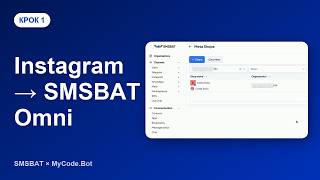
Connect Instagram How to connect a professional Instagram account to SMSBAT Omni in Meta Shops, choose Direct and comment categories, check the token and fix the Facebook Page link.
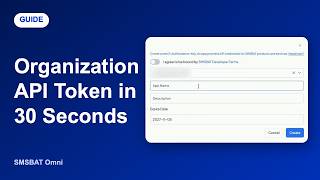
How to create and manage API keys How to create an API key (X-Authorization-Key) for an organization in SMSBAT Omni, copy it, change its expiry date and remove it, and how to keep it safe.
Your first Instagram bot without AI: menu, catalog and phone collection Import a ready-made MyCode.Bot schema to get an Instagram bot with a button menu, a catalog, delivery information and phone number collection, then replace the demo content with your own.
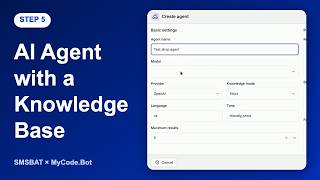
Create an AI agent with a knowledge base for your Instagram bot Create an AI agent in MyCode.Bot: set its instructions, add an OpenAI key, upload a knowledge base from your files and check the answers in the test chat.
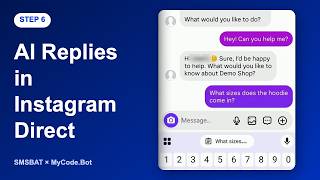
Instagram bot with an AI agent: import the schema and test the answers Import a ready-made MyCode.Bot schema with the AI agent node, select your agent and check in Instagram Direct how it answers from the knowledge base and when it hands over to a manager.
Hand over an Instagram chat from the AI agent to an SMSBAT Omni operator Connect a MyCode.Bot Instagram bot to SMSBAT Omni so that the AI agent passes difficult conversations to a live operator with a note, and the bot takes over again when the operator closes the chat.
Tell us about your business, and we will suggest channels, templates and automations that fit it.