SMS and Viber messaging for beauty salons, barbershops and studios
A beauty business earns on a full schedule and repeat visits, and both depend on timely contact with the client. Appointment reminders reduce empty slots, and an invitation at the right moment brings the client back to the same master. SMS reaches every client, including those without messengers. Viber adds a photo of the work and buttons to confirm or book. WhatsApp and a chatbot for a beauty salon take questions and bookings when the admin is busy.
Typical automation follows the visit. A booking sends a confirmation, the day before brings a reminder with Confirm and Reschedule buttons, the visit is followed by a short survey, and when the usual interval has passed the client gets a rebooking prompt. Birthdays and loyalty offers come with a personal promo code. Each message can go through the cascade: Viber first, SMS if Viber is not delivered, so reminders reach the whole client base.
To start with SMSBAT, register an SMS alpha name with the salon name and a Viber business account; we help prepare the documents. Prepare templates for reminders and offers, then send campaigns from the dashboard, connect your booking system through the API or build a bot without code. One account covers all channels, and admins answer Instagram, Facebook, Viber and website chats from one inbox or the mobile app.
No-code bot builder SMSBAT works with MyCode.Bot, a visual bot builder. You assemble the menu, the AI agent and the handover to an operator from blocks, import ready-made schemas from our guides and adapt them to your business.
A visual schema instead of code
Menus, buttons, conditions and phone collection are blocks on one canvas. You change the bot in minutes, without a developer.
An AI agent on your knowledge base
Upload files about your products and terms. The agent answers only from them and hands difficult questions over to a person.
Operators and CRM in the same flow
Conversations reach SMSBAT Omni operators with a note from the AI, and leads can continue to Bitrix24.
Step-by-step guides with videos and ready-made schemas
From connecting Instagram to an AI bot that hands conversations over to operators. Every guide has a short video, and the schemas can be downloaded.
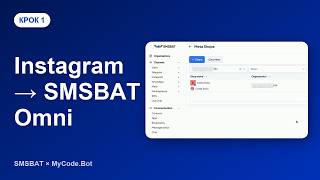
Connect Instagram How to connect a professional Instagram account to SMSBAT Omni in Meta Shops, choose Direct and comment categories, check the token and fix the Facebook Page link.
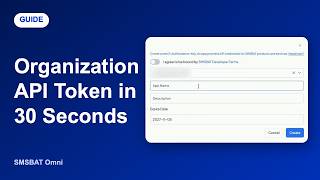
How to create and manage API keys How to create an API key (X-Authorization-Key) for an organization in SMSBAT Omni, copy it, change its expiry date and remove it, and how to keep it safe.
Your first Instagram bot without AI: menu, catalog and phone collection Import a ready-made MyCode.Bot schema to get an Instagram bot with a button menu, a catalog, delivery information and phone number collection, then replace the demo content with your own.
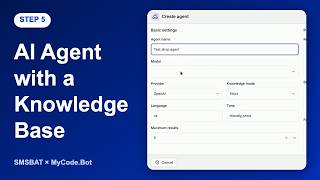
Create an AI agent with a knowledge base for your Instagram bot Create an AI agent in MyCode.Bot: set its instructions, add an OpenAI key, upload a knowledge base from your files and check the answers in the test chat.
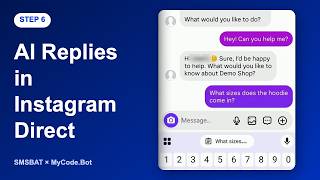
Instagram bot with an AI agent: import the schema and test the answers Import a ready-made MyCode.Bot schema with the AI agent node, select your agent and check in Instagram Direct how it answers from the knowledge base and when it hands over to a manager.
Hand over an Instagram chat from the AI agent to an SMSBAT Omni operator Connect a MyCode.Bot Instagram bot to SMSBAT Omni so that the AI agent passes difficult conversations to a live operator with a note, and the bot takes over again when the operator closes the chat.
Tell us about your business, and we will suggest channels, templates and automations that fit it.