
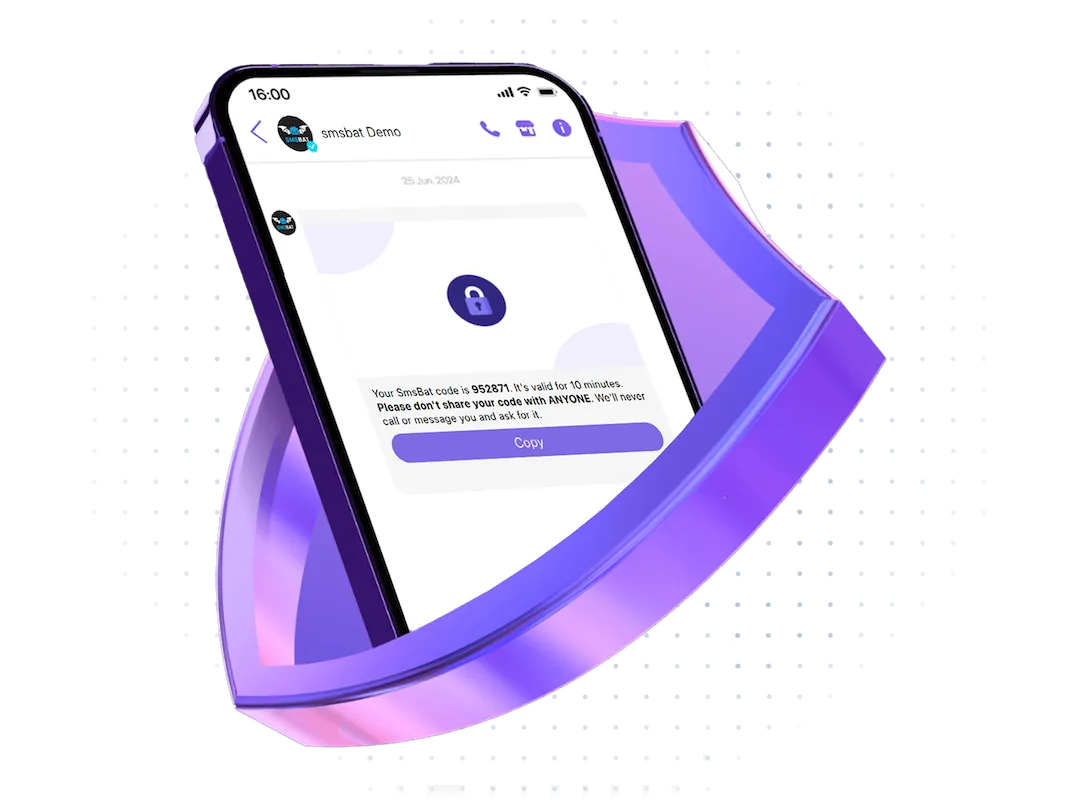
A Viber chatbot only talks to people who wrote to it first. To reach a customer who has never chatted with you, an order confirmation to a new buyer, a delivery time, a payment reminder, Viber offers two official business products: Business Messages and Business Calls. Both go out under your company name, both are delivered through an official partner, and both are billed per delivered message or call. This article explains what each one does, when to use which, and what the connection looks like through the SMSBAT API.
Viber Business Messages
A Business Message is a message sent from a verified sender to any phone number that has Viber. The customer sees your company name, logo and a verified badge; the message can contain text, an image, a button with a link. Three message types exist:
- Transactional: order confirmed, parcel shipped, appointment tomorrow at 10, a code for login. Sent to anyone, priced lowest.
- Promotional: sale, new collection, a coupon. Can be sent only to people who agreed to receive marketing from you, priced higher.
- Session: a two-way conversation that opens after the customer replies; further messages within 24 hours are included.
If the phone number has no Viber, the message is not delivered and you are not charged, which is why Business Messages are usually combined with SMS in a cascade: Viber first, SMS only where Viber failed. The Viber Business Messages page lists the message types and the countries, the transactional messages page goes deeper into the transactional type, and custom auto-reply explains what happens when the customer answers.
Viber Business Calls
A Business Call is a voice call to a Viber user that shows your company name and logo on the incoming-call screen instead of an unknown number. It uses the internet, so it costs nothing for the customer and works abroad. Companies use it for:
- Delivery couriers and drivers calling customers from a branded identity, not a personal phone.
- Call centres confirming orders and bookings; a call from “Clinic Name” is answered far more often than a call from an unknown mobile.
- Verification by call (the customer picks up and hears the code).
- Sales follow-ups to leads who left a number in a form.
Calls are billed per minute, with a country-dependent rate. The Viber Business Calls page has the details and the provider page describes the connection.
Which one for which task
| Task | Product |
|---|---|
| Confirm an order to a new customer | Business Messages, transactional |
| Remind about an appointment | Business Messages, transactional |
| Send a code for login | Business Messages or Viber OTP |
| Promotion to customers who opted in | Business Messages, promotional |
| Courier needs to reach the customer | Business Calls |
| Two-way support after the customer replies | session in Business Messages, or a chatbot |
| Ongoing chat, menus, subscriptions | chatbot |
Sender registration
Both products require a registered sender: the company name that customers will see. Registration goes through an official Viber partner and takes a few business days. You provide the legal entity, the brand name, the logo, a description of the messages you plan to send and, for promotional messages, how you collect consent. Viber checks the brand against the company; a sender for “Bank X” will not be issued to a company that is not Bank X. SMSBAT handles the registration as a Rakuten Viber partner; the Business Messages provider page lists what to prepare.
Connecting through the API
Once the sender is approved, sending is one HTTP request. In the SMSBAT API you pass the recipient number, the sender, the message text or template, and optionally a button and an image; the response contains the message ID, and a webhook reports the delivery status (delivered, seen, failed) and any customer reply. The same endpoint sends SMS, so a cascade is a matter of listing the channels in order: the cascade API sends the Viber message, waits the time you set, and sends an SMS only if Viber did not deliver.
Without developers, the same is available from the SMSBAT panel: import a list, pick the sender and the template, schedule the send, watch the delivery report. Replies land in the shared inbox where operators or the AI operator answer them.
Costs in practice
- Transactional messages are the cheapest way to reach a Viber user and cost less than an SMS in Viber markets.
- Promotional messages cost more but replace email in countries where email open rates are low.
- Calls are billed per minute; a 40-second courier call costs a few cents.
- You pay only for delivered messages and connected calls; undelivered ones are free, and the SMS fallback is charged only when it is actually sent.
Rates per country are on the pricing page; for volumes above a few hundred thousand messages a month the team prepares a custom offer through the contact form.
Summary
Business Messages for texts to any Viber number, Business Calls for branded voice, a chatbot for ongoing conversations, and SMS behind all of them as the fallback. One sender registration, one API, one inbox for the replies.